
In-App Advertising for iOS and Android: A Guide for Traffic Arbitrage
Introduction
Launching in in-app sources isn't just a formality; it's a game with multiple levels. If you think it's all about one line of expenses, you're mistaken. You need to consider traffic sources, ad accounts, the app itself, creatives, and playables.
What is In-App Advertising and Why Use Store Apps?
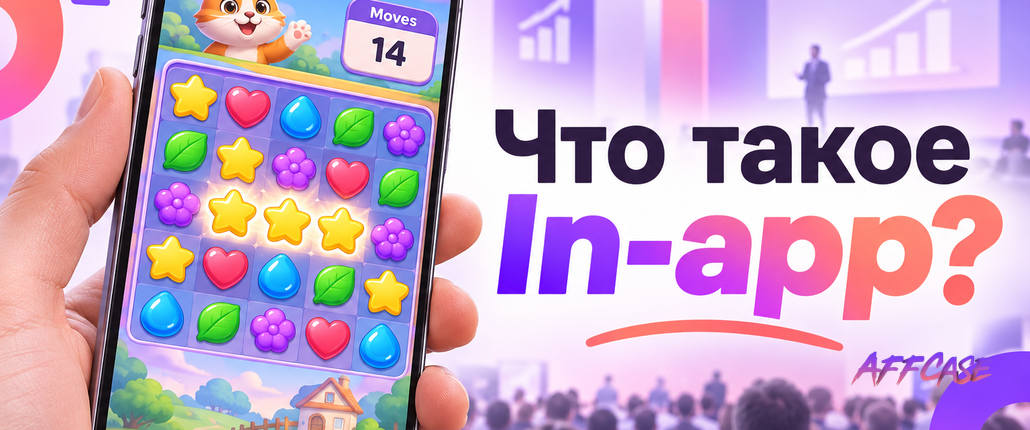
In-app advertising refers to ads within other applications, whether they're games or utilities. For instance, a user might enter a game, see an ad, and decide to install your app. This form of contextual advertising operates a bit differently than on Facebook. The main difference lies in the fact that these ads lead to installs from the store — meaning you need an app that not only exists but also integrates well with the platform.
Changes for the Team When Shifting From Facebook
Pay Per Install, Not Per Impression
On Facebook, you pay for impressions, while on Unity, you pay for installs. This means the auction operates differently, and users from in-app sources might be of lower quality. However, there are benefits: less chance of bans and more stable traffic.Publisher Lists
Instead of setting up a target audience, you work with blacklists and whitelists of publishers. This is a key point: disable platforms that don't perform and highlight those that bring conversions.Algorithm Learning from In-App Events
It's vital to understand that the algorithm works based on events. First comes the install, followed by registrations, and then deposits. Each new step is a step towards optimization, which can take around two weeks.Account Through a Provider
If you're a newbie, you can't get a Unity account directly. Choose a provider with reasonable conditions.Creatives for Different Formats
Don't forget that in-app creatives must be adapted. For example, videos should be in 9:16 or 16:9 formats only.Team Restructuring
Pay attention to creative production. Buyers need to learn how to work with publisher lists and the auction process.
iOS vs Android: How the Platforms Differ
Despite the common mechanics, each platform has its nuances:
- Android: A broader market. Here, there are fewer issues and more opportunities.
- iOS: High competition and demands for attribution. Often, you'll need to compile blacklists yourself.
Cost of Launching in In-App Sources
The budget is formed from several parts:
- Traffic: Ranges from $2000 for Tier-3 to $10,000 for Tier-1.
- Creatives: Routine expenses. New videos are needed every week.
- App: Paid for installs, growing with traffic volume.
- Account: Rental costs depend on the provider.
Scaling in In-App Advertising
For scaling, use multiple accounts. But remember: a copy of a working campaign might not work if it lacks history. It's better to test and segment campaigns by geo or creatives.
What to Check Before Launching
- Is the account connected?
- Does the Game ID match?
- Did the test install, registration, and deposit go through?
Conclusion
Overall, launching in in-app sources is a comprehensive process that requires careful preparation and consideration of all details.